Jun 8, 2026
How period locking works in EasyAccrue
Locking periods in EasyAccrue


Locking periods is an important feature for any modern accounting tool. From the beginning we at EasyAccrue realised that it would be an essential part of our software.
So how does it work?
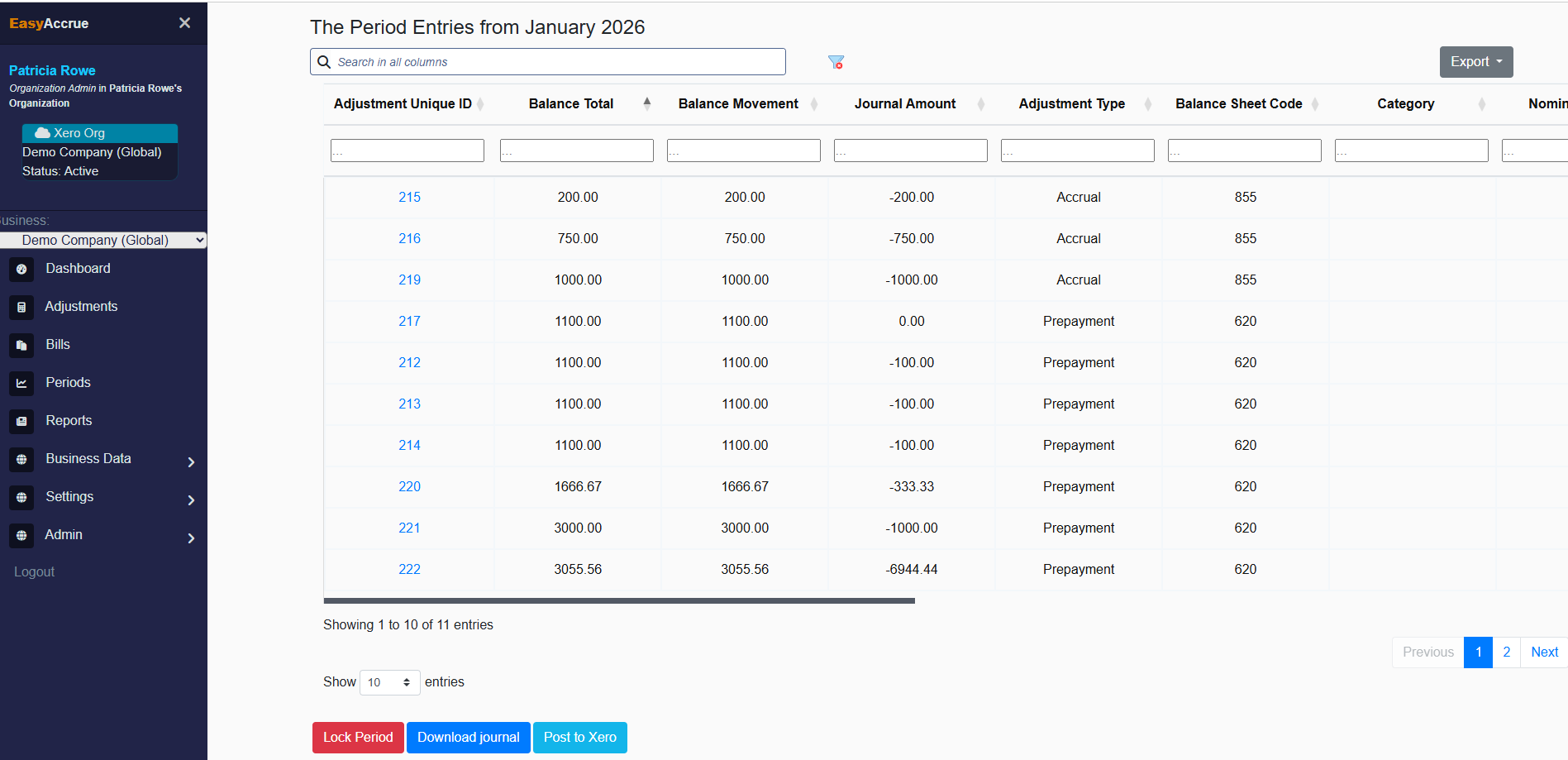
When a user has finished working in a period and they are satisfied that the monthly report is EasyAccrue agrees with Xero, they simply go to periods>select the period they want and click on the 'Lock Period' button
What does it do?
When a period is locked all adjustments with journal entries in locked periods can no longer be changed ( with one exeception)
Allowing these entries to be changed would change previously completed months and effect the integrity of the database.
What's the exception?
We do allow the entry end date field to be changed to a future date. This is allowed because it's sometimes necessary to carry on accruals in particular to a later period than previously envisaged and does not effect past periods
Can a user unlock a period which has previously been locked?
Yes we do allow users to unlock previously locked periods. This is allowed because it is sometimes necessary to make changes to previous periods and the user makes a conscious decision to do so.
What are the other implications?
Adjustments that only have entries in locked periods are archived. This means that the will not appear when a user filters out archived adjustments and it also means that these adjustments will not be taken into account for adjustment limits in relation to pricing.